Clearing Up Space: How to Delete Photos on Your iPhone
Are you constantly running out of storage space on your iPhone due to a cluttered photo library? Fear not! In this step-by-step guide, we will show you how to easily delete photos from your iPhone, freeing up valuable space for new memories.
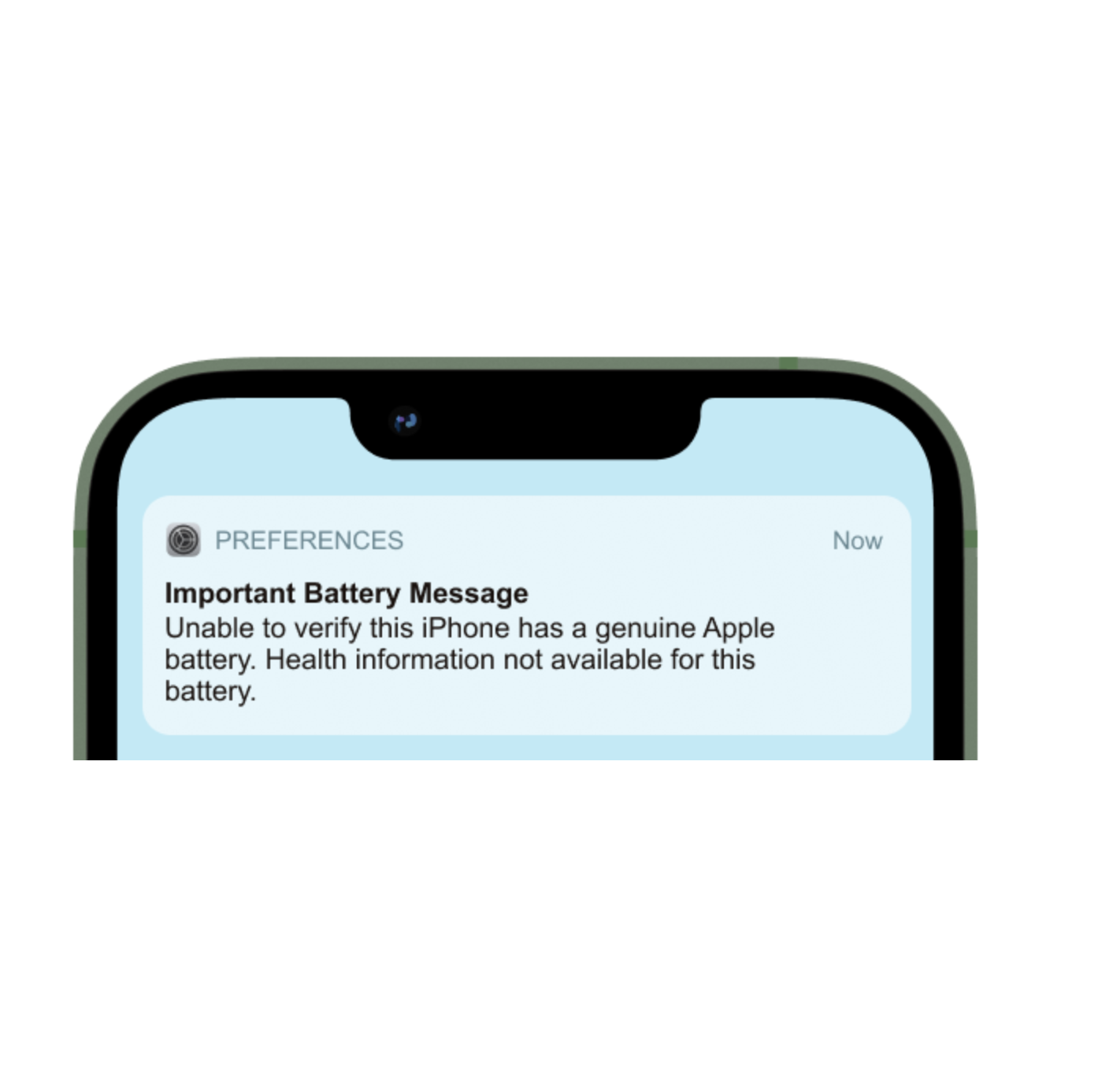
Why is my iPhone showing an “Important Message” or “Unknown Part” warning?
Funny you should ask – it’s actually a sign of how committed we are to high quality refurbishment.
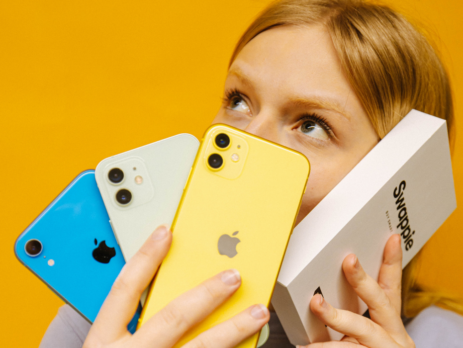
How do I sell my phone?
We here at Swappie are more than happy to buy your old Apple iPhone. Swappie is a trusted and professional reseller of old and used iPhones. After buying your mobile phone, we inspect and refurbish it to be sold forward. That way your old iPhone will get a new home and you can get some money to be put towards buying a new one. If you are ...

3 ways to transfer data from an old iPhone to a new iPhone
When you are upgrading from one Apple iPhone to a new one, you’ll want to transfer all of your data as well. This includes all apps, settings and other precious files saved on your device or in the cloud.
How to turn off Find My iPhone?: 2 easy methods
The Find My iPhone feature is a great way to prevent your iPhone from getting lost or being stolen as it allows you to locate and lock your iPhone, even if you don’t have it with you. For example, when Find My iPhone is activated, you can see the location of your device on a map. You can even use it to share your location with others or p...
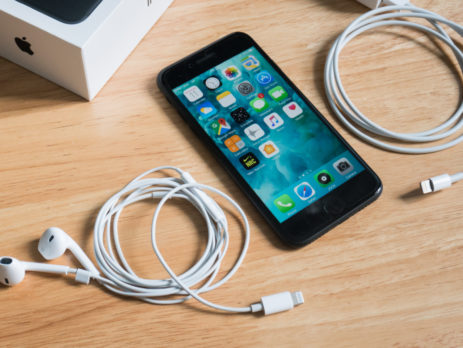
How to factory reset an iPhone without a password: the methods for resetting your iPhone
We'll show you how you can factory reset your phone even if you don’t know the password to your device. We’ll focus only on methods of doing a factory reset without additional third-party software and use only methods that can be done with Apple’s own apps and software.
How to Backup iPhone: 3 Ways to Back Up Your iPhone (2026 Update)
There are a number of reasons why you might need to backup your iPhone. Perhaps you are changing to a newer model of the Apple iPhone and want to transfer all of your data, apps, settings and other content to your new device. You might also run into a situation where it’s necessary to return your iPhone to factory settings and you need to...
7 Reasons to Switch from Android to iPhone
All the cool kids are doing it.