App Crashes and Freezes: How to Troubleshoot Common Application Problems on iPhone
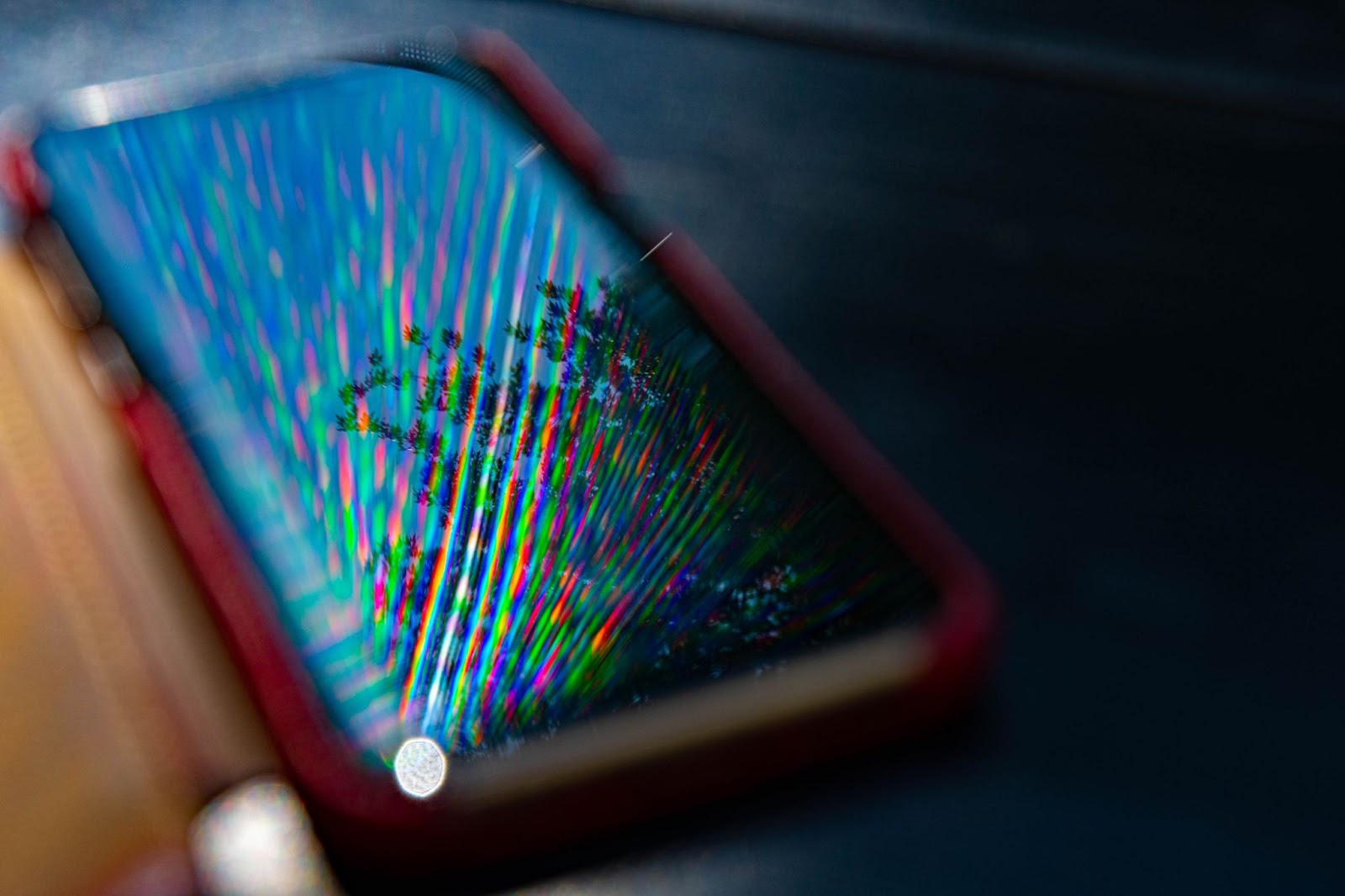
One of the most frustrating experiences for iPhone users is when an app suddenly crashes or freezes in the middle of use. Whether you’re in the middle of a conversation, game, or important task, these issues can disrupt your workflow and cause major inconvenience. Fortunately, most app problems on the iPhone can be resolved with a few troubleshooting steps. In this guide, we’ll walk you through common solutions to fix app crashes and freezes, ensuring your iPhone runs smoothly. And if your iPhone is experiencing ongoing issues, it might be time to consider upgrading to a refurbished iPhone from Swappie, fully tested and with a warranty.
Index
- Why do apps crash or freeze on iPhone?
- How to troubleshoot app crashes and freezes
- What to do if the problem persists
- Consider a refurbished iPhone from Swappie
- Conclusion
Why do apps crash or freeze on iPhone?
Apps may crash (close unexpectedly) or freeze (stop responding) for various reasons, including:
- Software bugs: The app may have bugs or glitches that cause it to behave unpredictably.
- Incompatible iOS version: Running an outdated version of iOS can cause compatibility issues with apps.
- Low storage space: Your iPhone needs adequate storage space to run apps smoothly. When storage is low, apps may crash or freeze.
- Background processes: Too many apps running in the background can overload the system and cause instability.
- Corrupt app data: App data may become corrupted over time, leading to crashes or freezes.
- Poor network connection: Apps that rely on an internet connection can crash or freeze if the network is unstable.
By understanding the cause of the issue, you can apply the right solution to get your apps working again.
How to troubleshoot app crashes and freezes
Follow these steps to troubleshoot and resolve app crashes and freezes on your iPhone.
1. Force quit the app
If an app is frozen or unresponsive, try force quitting it and reopening it. This clears any temporary issues that might be causing the app to malfunction.
- On iPhone X and later: Swipe up from the bottom of the screen and pause in the middle to open the App Switcher. Swipe left or right to find the app, then swipe up on the app’s preview to force quit it.
- On iPhone SE (2nd gen) and earlier: Double-tap the Home button to open the App Switcher, then swipe up on the app to close it.
After force quitting, reopen the app to see if the problem is resolved.
2. Restart your iPhone
A quick restart can resolve many software issues, including app crashes and freezes. Restarting clears temporary system bugs and refreshes the iPhone’s memory.
- For iPhone X and later: Hold the Side button and either Volume button until the Power Off slider appears. Drag the slider, wait 30 seconds, then press the Side button again to restart.
- For iPhone SE (2nd gen) and earlier: Hold the Side button (or Top button) and drag the slider to turn off. After 30 seconds, press the button again to restart.
3. Update the app
Outdated versions of apps can cause crashes and freezes due to bugs or incompatibility with the latest iOS version. To ensure you’re running the most stable version of the app, check for updates:
- Open the App Store.
- Tap your profile icon in the top-right corner.
- Scroll down to the Available Updates section and look for the app in question.
- Tap Update if an update is available.
Updating the app can often resolve performance issues and bugs that cause crashes.
4. Check for iOS updates
Running an outdated version of iOS can cause compatibility problems with apps, leading to crashes or freezes. Make sure your iPhone is running the latest iOS version:
- Go to Settings > General > Software Update.
- If an update is available, tap Download and Install.
Updating your iPhone ensures it has the latest performance improvements and bug fixes.
5. Clear app cache and data
Over time, apps accumulate cache and data that can become corrupted or cause performance issues. Although iOS doesn’t have a built-in cache clearing function, you can delete and reinstall the app to clear its cache.
- Go to Settings > General > iPhone Storage.
- Find the app causing issues, then tap on it.
- Tap Offload App to free up storage while keeping your data, or tap Delete App to remove it completely (you’ll need to reinstall the app from the App Store).
6. Reinstall the app
If clearing the cache doesn’t work, reinstalling the app might be the solution. This removes any corrupted data associated with the app and gives you a fresh install.
- Hold down on the app icon on your home screen until a menu appears.
- Tap Remove App, then tap Delete App.
- Go to the App Store, search for the app, and reinstall it.
Reinstalling the app can often fix persistent crashing or freezing issues.
7. Free up storage space
Low storage space can cause apps to crash or freeze because your iPhone needs free space to run apps and background processes. To check and free up space:
- Go to Settings > General > iPhone Storage to see how much space is available.
- If storage is low, delete unnecessary apps, media files, or use iCloud to back up photos and videos.
8. Check for app compatibility issues
Some apps may not yet be optimized for the latest iOS version, leading to crashes or freezes. Check the App Store for any notes about compatibility issues or look for user reviews mentioning similar problems. If the app hasn’t been updated in a while, consider contacting the developer for support or waiting for an update that fixes the issue.
What to do if the problem persists
If your app continues to crash or freeze after trying these solutions, you may need to:
- Contact the app developer: Visit the App Store listing for the app, scroll down to the App Support section, and contact the developer for further assistance.
- Reset all settings: If app issues are widespread, you can try resetting your iPhone’s settings without erasing your data. Go to Settings > General > Transfer or Reset iPhone > Reset > Reset All Settings. This won’t delete your files but will reset network settings, privacy settings, and preferences.
- Restore your iPhone: As a last resort, you can back up your data and restore your iPhone to factory settings. Go to Settings > General > Transfer or Reset iPhone > Erase All Content and Settings. After restoring, you can set up your iPhone as new or restore from a backup.
Consider a refurbished iPhone from Swappie
If you find that your iPhone continues to experience crashes or other issues even after trying all troubleshooting steps, it may be time to consider upgrading to a new device. A refurbished iPhone from Swappie can offer you a high-quality device at a fraction of the cost of a brand-new iPhone.
Why choose a refurbished iPhone from Swappie?
- Fully tested devices: Swappie’s refurbished iPhones undergo rigorous testing to ensure they are fully functional and free from defects.
- New battery and components: Many Swappie devices come with new batteries and parts, ensuring your device performs like new.
- Warranty included: All Swappie iPhones come with a warranty, giving you peace of mind with your purchase.
- Sustainable option: Buying a refurbished device reduces electronic waste and is an eco-friendly option.
With a refurbished iPhone from Swappie, you can get a reliable device without breaking the bank, and you won’t have to worry about frequent app crashes or performance issues.
Conclusion
App crashes and freezes on your iPhone can be disruptive, but most of the time, they can be fixed with a few simple troubleshooting steps. Whether it’s force quitting the app, updating iOS, or reinstalling the app, these solutions should help you get your apps running smoothly again. If the issue persists after trying these fixes, it might indicate a deeper problem with your iPhone’s hardware or software. In that case, upgrading to a refurbished iPhone from Swappie could be the perfect solution, offering a device that works like new but at a more affordable price.By following the troubleshooting tips outlined in this guide, you can tackle most app crashes and freezes effectively. But if your iPhone continues to underperform, don’t hesitate to explore the refurbished options at Swappie, where you can get a high-quality iPhone with a fresh start, including new components and a full warranty.