Clearing Up Space: How to Delete Photos on Your iPhone
Are you constantly running out of storage space on your iPhone due to a cluttered photo library? Fear not! In this step-by-step guide, we will show you how to easily delete photos from your iPhone, freeing up valuable space for new memories.
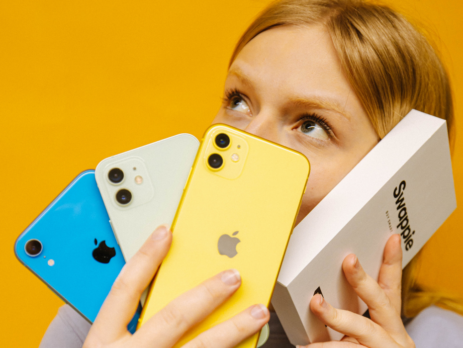
How do I sell my phone?
We here at Swappie are more than happy to buy your old Apple iPhone. Swappie is a trusted and professional reseller of old and used iPhones. After buying your mobile phone, we inspect and refurbish it to be sold forward. That way your old iPhone will get a new home and you can get some money to be put towards buying a new one. If you are ...
The new motto for Global Recycling Day: “upcycle, reduce and reuse!”
Before getting into upcycling, let’s get one thing straight: upcycling is not just reusing old stuff. It’s not recycling. It’s reimagining your belongings to create something even better, like new furniture from old floors or tables from water pipes. It’s taking things we take for granted and transforming them into something unique, funct...
The new motto for Global Recycling Day: “upcycle, reduce and reuse”
From toys to furniture, we all turn old things into new again in our way. Today, the reuse of materials is not just a way to produce sustainable products – it is also a source of inspiration for people looking for new ways to make things and give them new purposes.
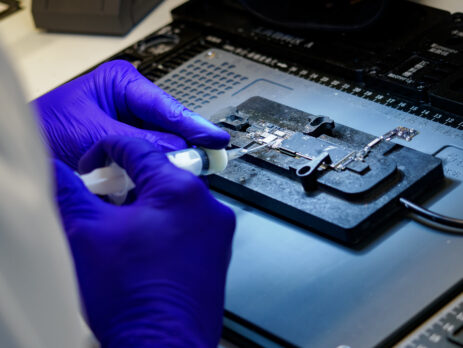
Swappie’s guide to our phone conditions
A large part of our service is that we offer iPhones in different cosmetic categories. You have the opportunity to choose from our 3 condition categories: excellent, very good and fair. Our condition categories describe the appearance of the phone only and all of our phones work like new, from hardware (the buttons) to software (updated t...
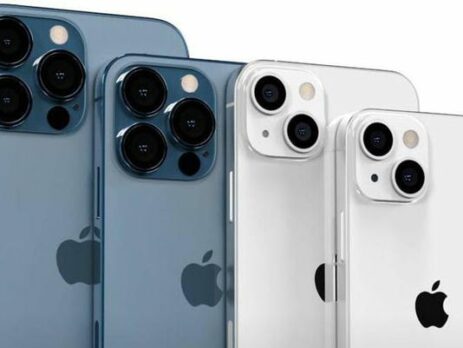
Apple has announced the iPhone 13. Here’s what we know about the iPhone 13 so far.
As soon as the first drops of information startled trickling about the brand new iPhone 13, Apple fans all around the world started speculating wildly about the new iPhone’s features and technical details. As the official launch event on the 14th of September closed in, rumors about the new Apple smartphone grew larger and larger.

3 ways to transfer data from an old iPhone to a new iPhone
When you are upgrading from one Apple iPhone to a new one, you’ll want to transfer all of your data as well. This includes all apps, settings and other precious files saved on your device or in the cloud.
How to turn off Find My iPhone?: 2 easy methods
The Find My iPhone feature is a great way to prevent your iPhone from getting lost or being stolen as it allows you to locate and lock your iPhone, even if you don’t have it with you. For example, when Find My iPhone is activated, you can see the location of your device on a map. You can even use it to share your location with others or p...
Come Eseguire un Ripristino alle Impostazioni di Fabbrica su un iPhone
Il ripristino alle impostazioni di fabbrica del tuo iPhone può essere un passaggio utile per la risoluzione dei problemi o un'azione necessaria prima di vendere o regalare il dispositivo. Segui questi semplici passaggi per eseguire un ripristino alle impostazioni di fabbrica sul tuo iPhone.
How to factory reset an iPhone without a password: 2 methods for resetting your iPhone (2023 Update)
We'll show you how you can factory reset your phone even if you don’t know the password to your device. We’ll focus only on methods of doing a factory reset without additional third-party software and use only methods that can be done with Apple’s own apps and software.