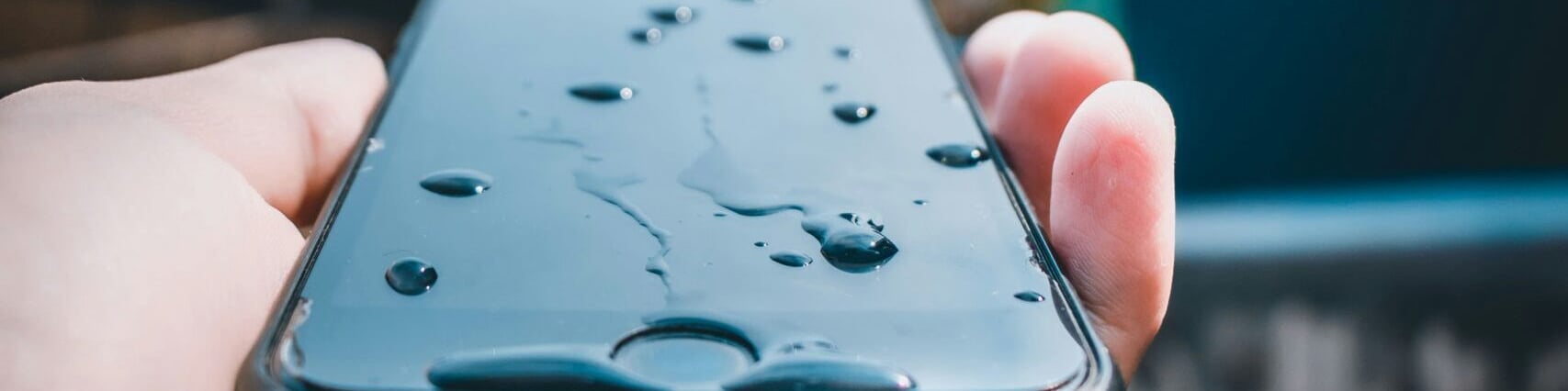
How to get water out of your iPhone: Quick fixes that work
If your iPhone got wet — whether it’s from rain, a sink splash or a drop in the toilet — don’t panic. iPhones are water resistant, but not waterproof, and water trapped in the speaker, charging port or camera can still cause issues.
In this guide, we’ll show you how to safely remove water from your iPhone’s most vulnerable areas, and what to avoid to prevent damage.
🔄 Summary
- What to do immediately after your iPhone gets wet
- How to get water out of iPhone speaker
- How to get water out of iPhone charging port
- How to dry iPhone charging port quickly
- How to get water out of iPhone camera
- What to avoid
- Tips for refurbished iPhones
- FAQ
What to do immediately after your iPhone gets wet
- Remove the iPhone from water and dry it with a clean cloth
- Turn it off immediately if it’s still on
- Do not charge it or plug in any cables
- Remove any case or accessories
- Leave it upright in a dry environment.
Never shake the phone aggressively or use heat (like a hair dryer), as this can push water deeper or damage components.
How to get water out of iPhone speaker
Water in the speaker can muffle sound. Here’s how to remove it:
- Gently tap the iPhone against your hand with the speaker facing down to remove excess liquid
- Leave it in a dry area with some airflow
- Don’t dry it with an external heat source or compressed air
How to get water out of iPhone charging port
Water in the charging port is a common issue and may trigger the “Liquid Detected” alert. What to do:
- Hold the iPhone upright with the port facing down
- Gently tap it to let gravity do the work
- Leave it in a dry, room-temperature space for several hours
- Avoid charging the phone for at least 30 minutes — longer if moisture is still detected.
Do not insert cotton swabs, tissues or blow air into the port — this can push water further in.
How to dry iPhone charging port quickly
If you need a faster solution:
- Place the iPhone in front of a fan blowing cool air
- Use silica gel packets (from shoeboxes or electronics) placed around the device
- Never use rice — it can leave residue and doesn’t speed up drying significantly.
Patience is key: better to wait a bit than risk internal damage.
How to get water out of iPhone camera
Water in the camera lens can cause foggy images or condensation inside the glass.
- Keep the iPhone upright
- Place it in a warm, dry room (but not in direct heat)
- Use silica gel or a dehumidifier nearby
The moisture should clear on its own within 24–48 hours. If it doesn’t, contact Apple Support or a repair specialist.
What to avoid
- No hair dryers or heat guns
- No compressed air
- No sharp objects in the ports
- Don’t charge your iPhone until it’s fully dry.
These can cause permanent damage or void your warranty.
Works for refurbished iPhones too
If you’re using a refurbished iPhone from Swappie, these same tips apply. All Swappie phones are fully tested, but accidents happen.
By following these steps, you protect your device — refurbished or new — and extend its life without needing a repair.
FAQ ❓
💧 What should I do if my iPhone gets wet?
Turn it off, dry it with a cloth, and leave it upright in a dry area. Don’t charge it.
🔊 How do I get water out of my iPhone speaker?
Tap the iPhone gently against your hand with the speaker facing down, then leave it in a dry area with some airflow.
⚡ How do I dry the charging port fast?
Use a fan or silica gel, and keep the phone upright. Don’t insert anything inside.
📷 How do I get water out of the camera lens?
Let it sit in a dry, warm room. Moisture usually clears within 24–48 hours.
🚫 Should I put my iPhone in rice?
No. Rice can leave dust inside the phone and is not very effective.
♻️ Are these tips safe for refurbished iPhones?
Yes. The same steps apply to refurbished and new iPhones.
Related posts


Recent posts